 Last updated April 9, 2026
  read
read
How to remove your data from Kansas Court Records
Despite its name, KansasCourtRecords.us isn’t operated by or officially connected to the Kansas Judicial Branch. It functions as a data broker, not a government service. As a result, the data it provides should be viewed as informational only, as it may not reflect the most recent updates from Kansas’ official court systems.
KansasCourtRecords.us opt-out steps
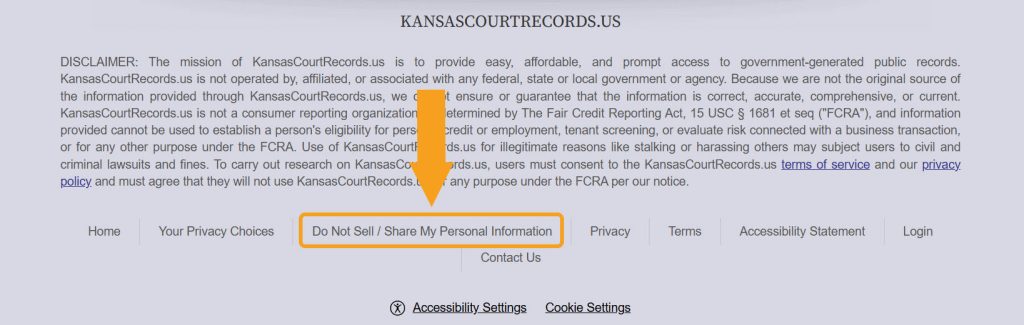
Step 1: Open KansasCourtRecords.us, scroll to the site footer, and click “Do Not Sell/ Share My Personal Information.”
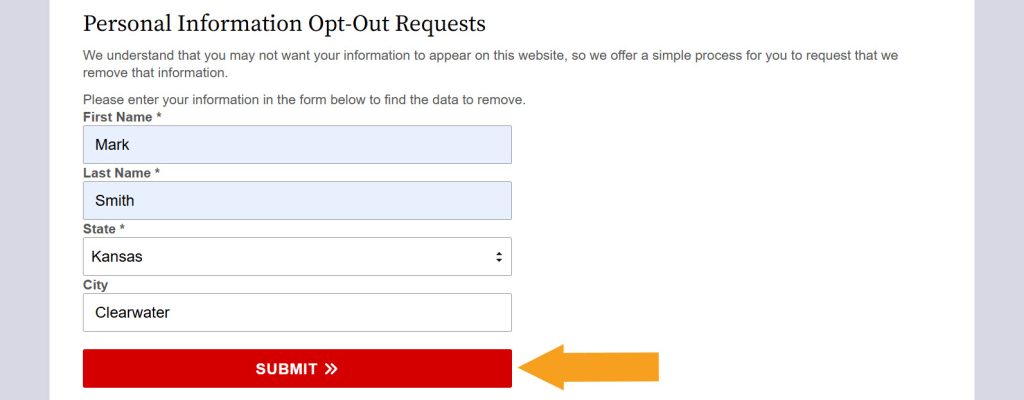
Step 2: Fill out the “Personal Information Opt-Out Requests” form: type your first name, last name, and city, and select your state. Then submit the form.
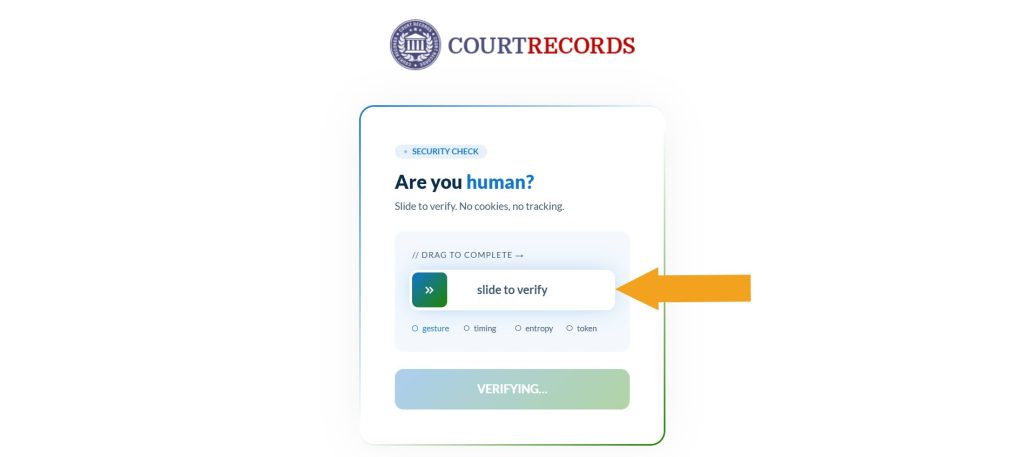
Step 3: If you’re prompted to confirm you aren’t a robot, slide the verification bar.
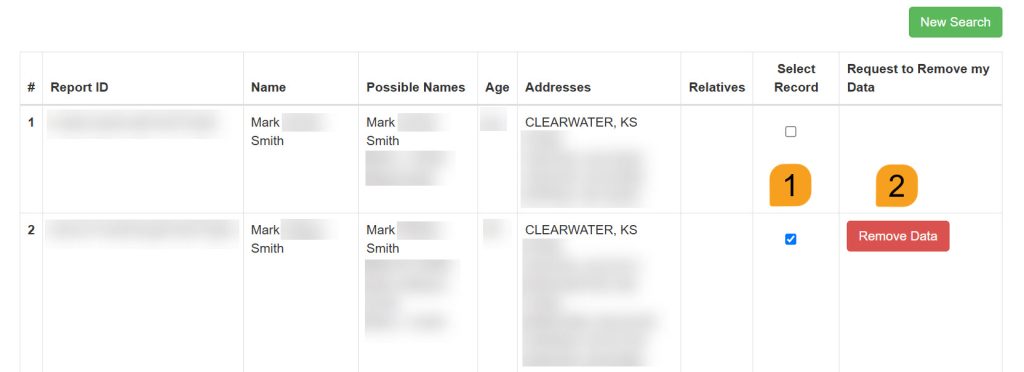
Step 4: Find a matching record among the search results, select it, and click the removal button.
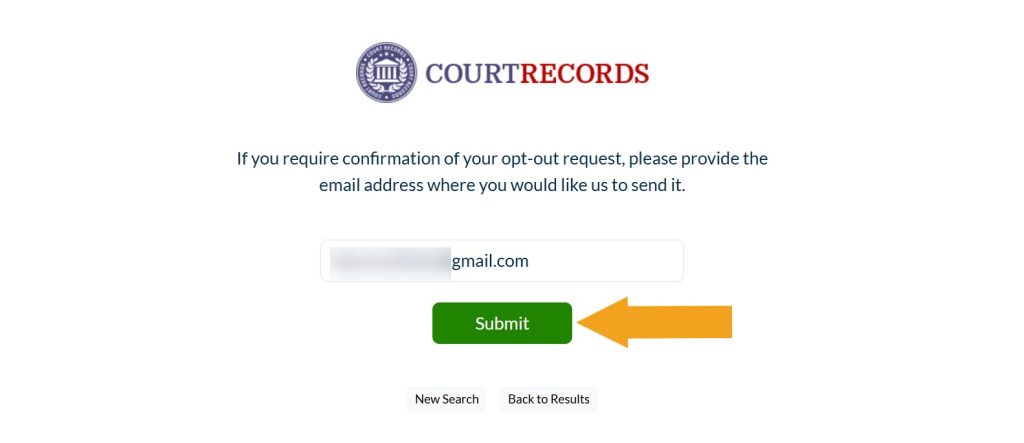
Step 5: Enter the email address you use for opt-out requests and click “Submit.”
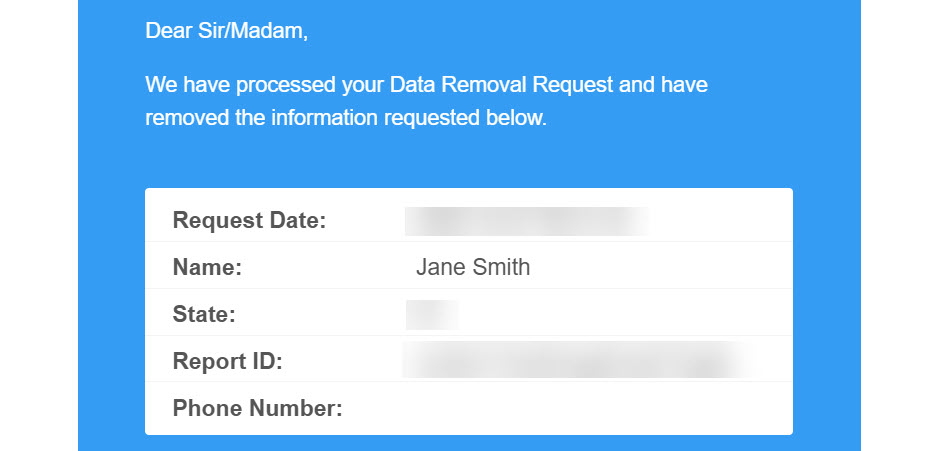
When your record is removed, you should receive an email confirmation.
Your info is still exposed on other people-search sites
Although you have opted out of Kansas Court Records, other sites are still sharing your personal information. Follow these guides:
- How to remove yourself from SmartBackgroundChecks.com
- How to remove yourself from ThatsThem.com
- How to remove yourself from FastPeopleSearch.com
- How to remove yourself from PeopleLooker.com
- How to remove yourself from NumLookup.com
Go through this list and send opt-out requests manually to each data broker, or subscribe to Onerep to remove records automatically from 316 sites with just a few clicks.


Dimitri is a tech entrepreneur and founder of Onerep, the first fully automated data removal service. Top cybersecurity CEO of 2021 by The Software Report.