Last updated Last updated April 9, 2026
Read time
 read

How to submit an opt-out request to New Jersey Court Records
Ready to stop your information exposure?

Remove your Name, DOB, Address, Phone Number, Property and Legal Records from 319 Sites.

NewJerseyCourtRecords.us opt-out steps

Step 1: Go to NewJerseyCourtRecords.us’ Privacy Choices page and enter your information into the opt-out form.
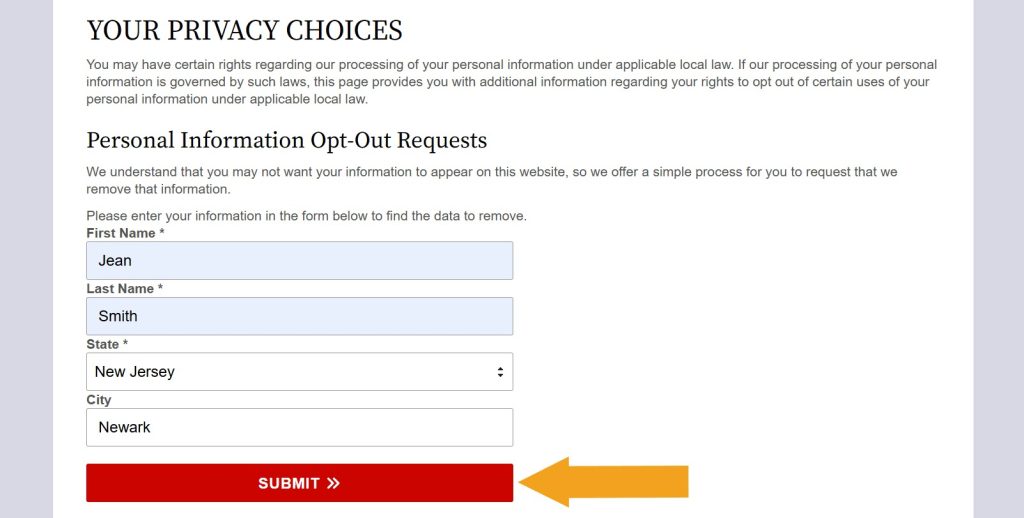
NewJerseyCourtRecords.us "Your privacy choices" page with the opt-out form completed

Step 2: Scroll through the results to find a record you want to remove and select it.
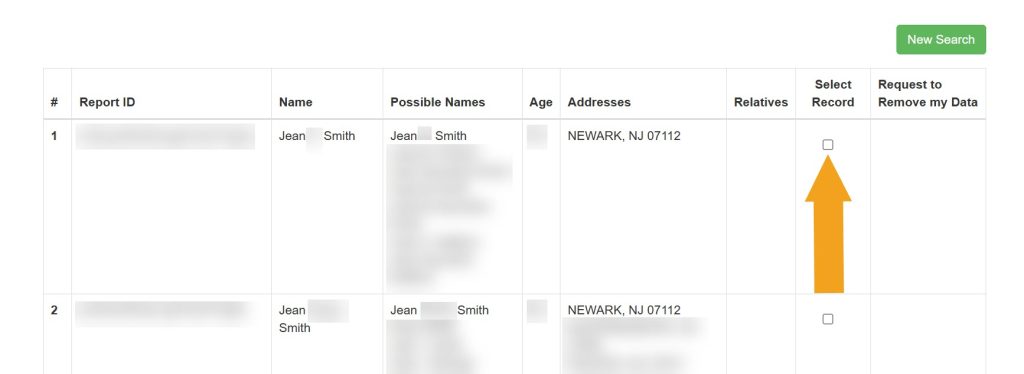
Selecting which record to remove from NewJerseyCourtRecords.us

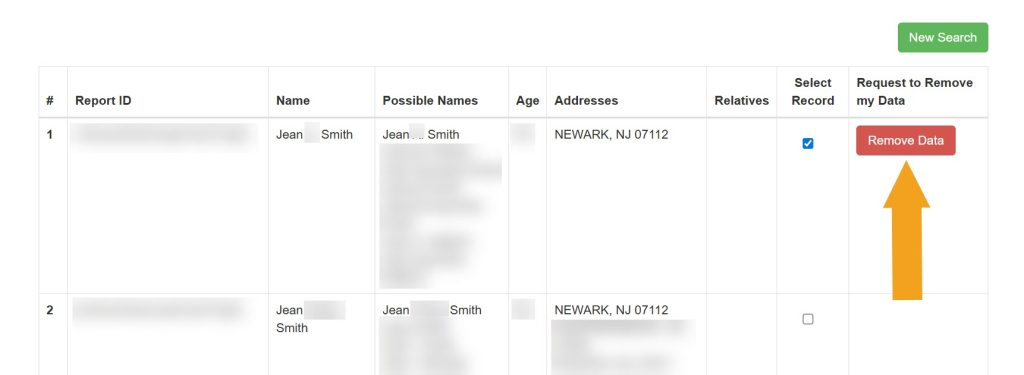
Step 3: Click the removal button.

Clicking the "Remove Data" button next to a record to opt out of NewJerseyCourtRecords.us

Step 4: Enter the email you use for opt-outs and click “Submit.”
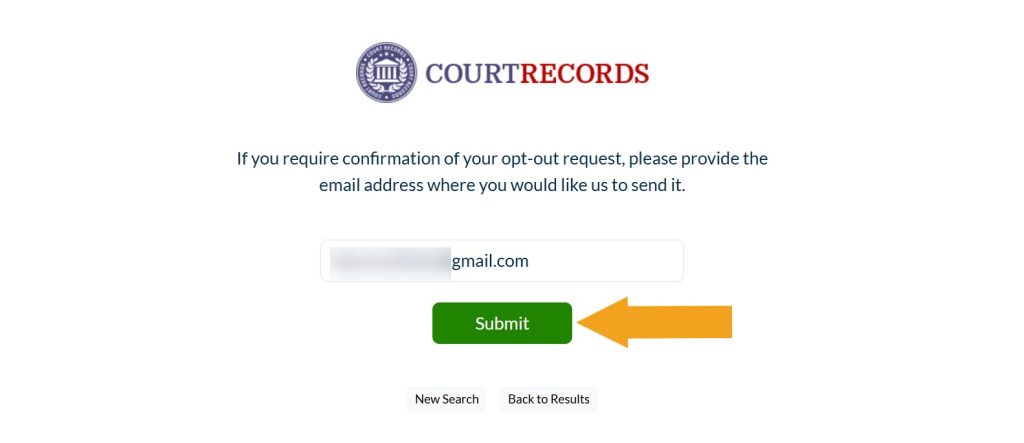
Submitting email to opt out of NewJerseyCourtRecords.us

Your NewJerseyCourtRecords.us opt-out request has been submitted.

What other data brokers expose your information?

Onerep checks 319 data broker sites for your profiles. Start a FREE scan to get your personalized exposure report. Privacy guaranteed.

Please enter your first and last name

Dimitri Shelest Founder and CEO at Onerep

Dimitri is a tech entrepreneur and founder of Onerep, the first fully automated data removal service. Top cybersecurity CEO of 2021 by The Software Report.

Was this article helpful?

You may also like

Online safety education Is TikTok Shop safe? How to shop smart and protect your data
  • Online safety
  • online shopping
Online safety education Combat cyberstalking: essential prevention tips for 2026
  • Online threat
  • Cyberstalking
Online safety education Is Crypto.com safe? A full security breakdown for 2026
  • Online safety
  • Cybersecurity
DIY opt-out guides USSearch.com opt-out: simple steps to remove your data in 2026
  • DIY
Data brokers expose your private data

Automate the removal of your personal information from 870+ data brokers and Google