 Published April 8, 2026
  read
read
Wisconsin Court Records personal information removal guide
WisconsinCourtRecords.us allows users to search for personal information of Wisconsin residents by name and location, often as part of a paid “background report” service.
Step 1: Open WisconsinCourtRecords.us.
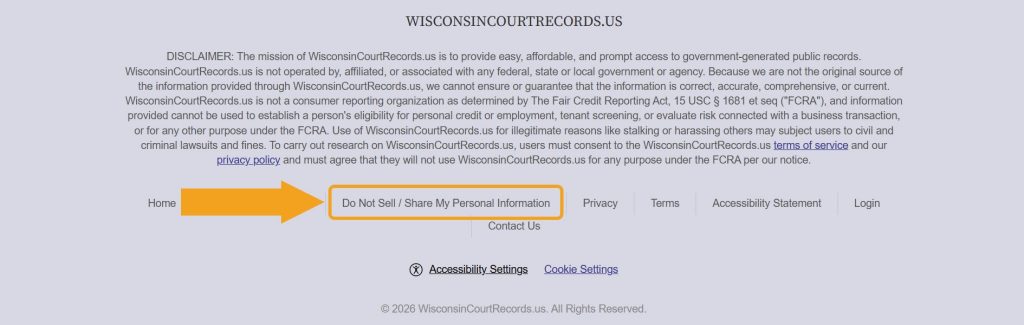
Step 2: Scroll down, find the “Do Not Sell / Share My Personal Information” link, and click on it.
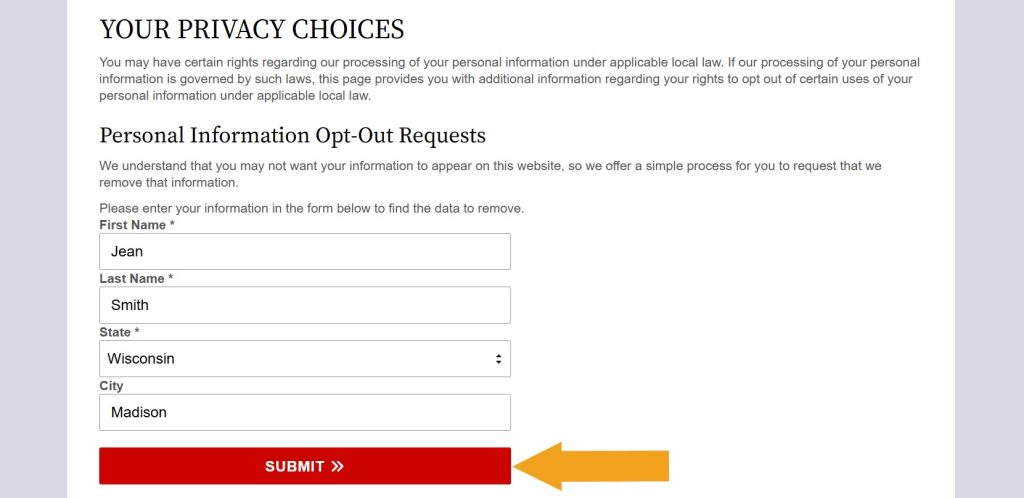
Step 3: Look up your record.
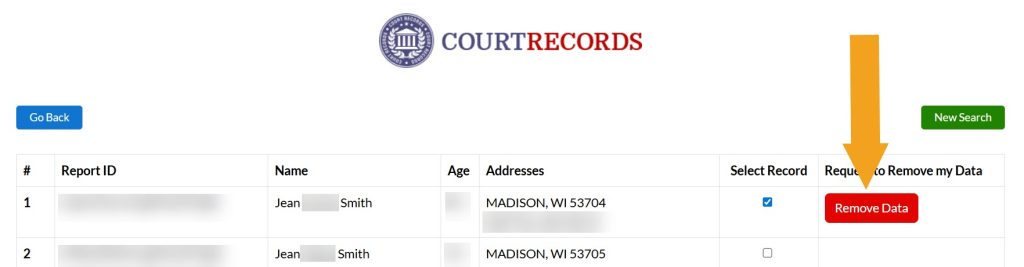
Step 4: Select the record with your personal information.
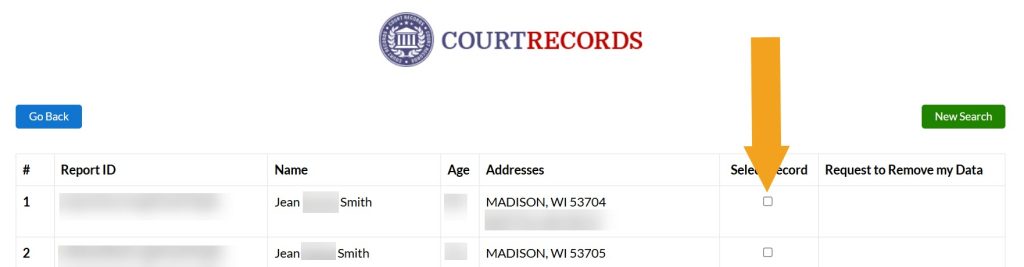
Step 5: Click the “Remove Data” button.
Step 6: Provide the email address you use for opt-outs.
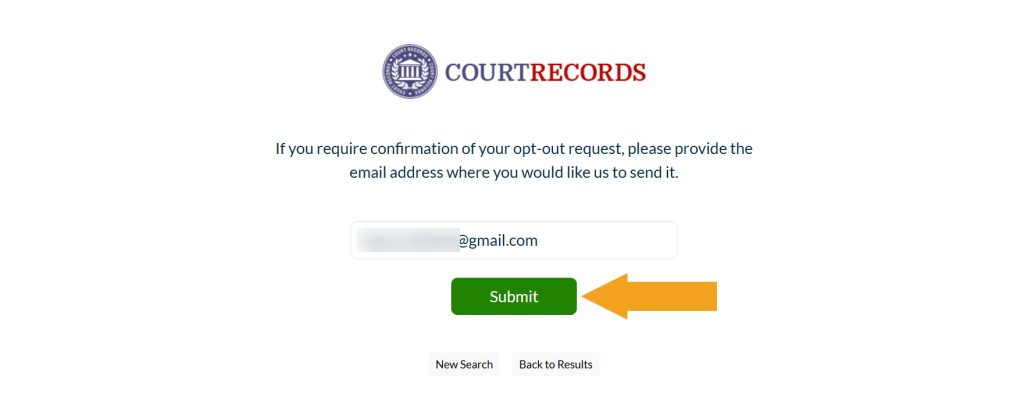
Your WisconsinCourtRecords.us opt-out request has been submitted.




Dimitri is a tech entrepreneur and founder of Onerep, the first fully automated data removal service. Top cybersecurity CEO of 2021 by The Software Report.