 Last updated April 9, 2026
  read
read
Nebraska Court Records removal step-by-step
Step 1: Open the NebraskaCourtRecords.us website.
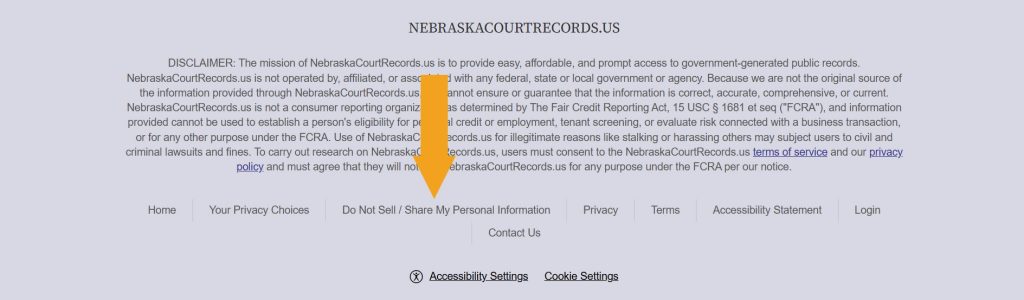
Step 2: Scroll down to the footer and click “Do Not Sell / Share My Personal Information.”
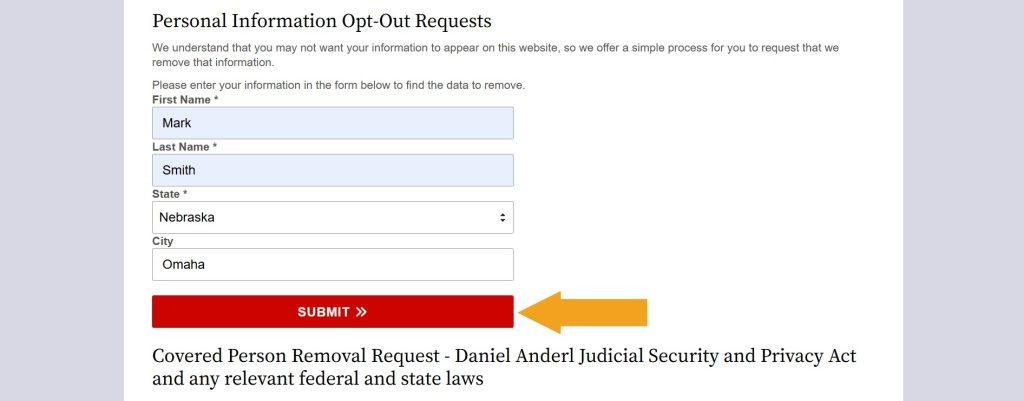
Step 3: Look yourself up. You might try various combinations of previous cities or last names to find and remove as many records as possible.
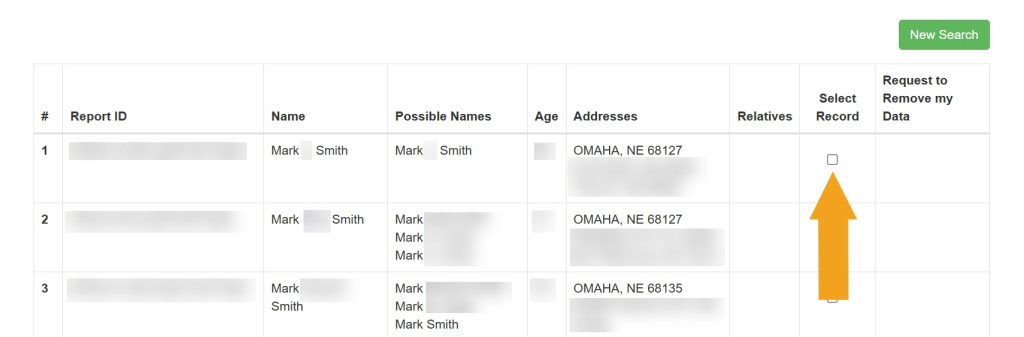
Step 4: Find a record containing your personal details and check the “Select Record” column.
Step 5: Click “Remove Data.”
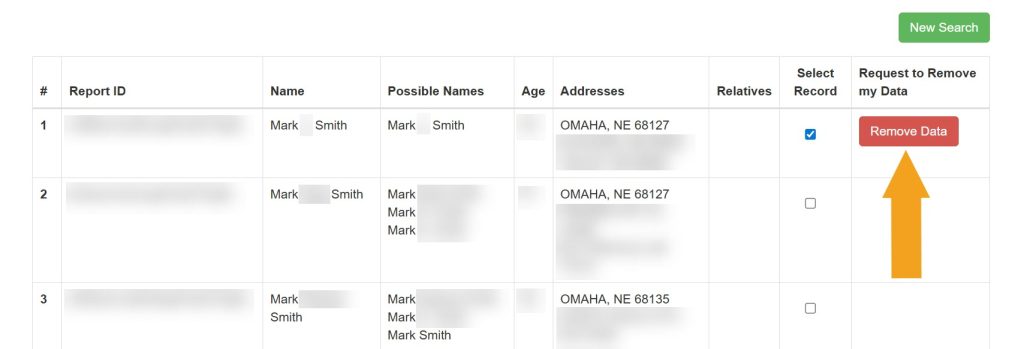
Step 6: Enter your email address and click the “Submit” button. We recommend using a separate email to opt out of people-search sites–a dummy one that doesn’t disclose your personal details.
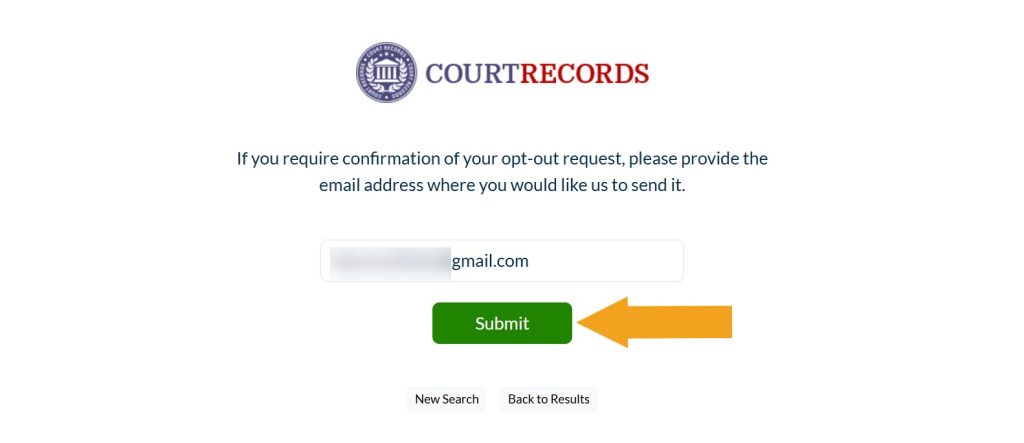
If your information doesn’t disappear in a couple of days, try clearing the cache and checking again. If that doesn’t help, contact NebraskaCourtRecords.us customer support by email at [email protected].



Dimitri is a tech entrepreneur and founder of Onerep, the first fully automated data removal service. Top cybersecurity CEO of 2021 by The Software Report.