 Published April 2, 2026
  read
read
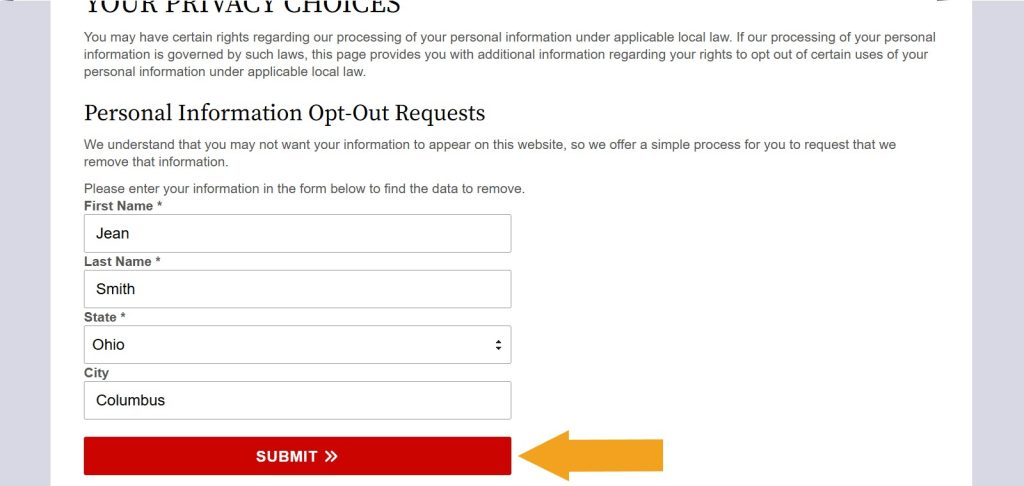
Step 1: Open OhioCourtRecords.us’ opt-out page. Fill out and submit the “Personal Information Opt-Out Requests” form (it will initiate the search for your records).
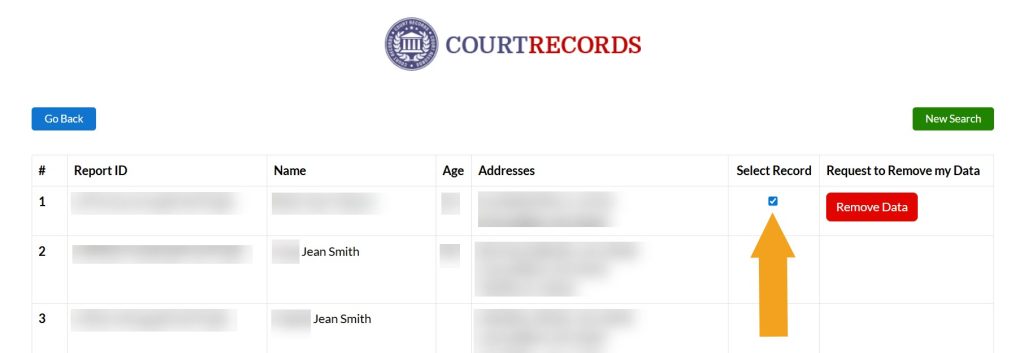
Step 2: Complete a security check if prompted. Examine the search results and select your record once you find it. If you find several, submit an opt-out request for each one separately.
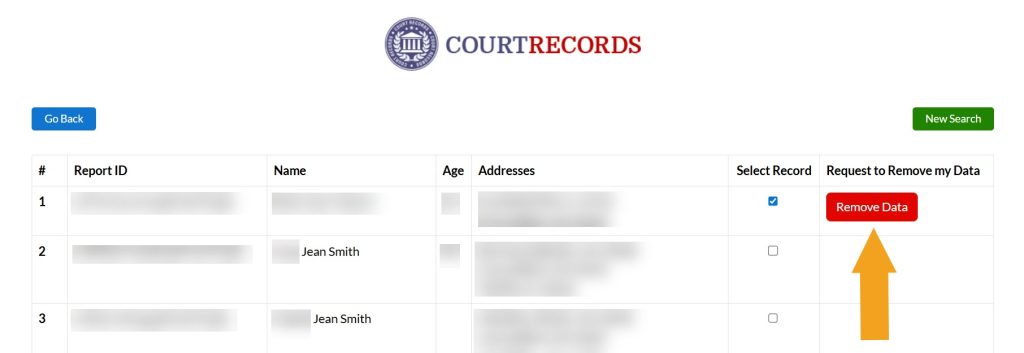
Step 3: Click the “Remove Data” button.
Step 4: Submit your email address. We recommend using a separate account for opt-outs, preferably one that doesn’t expose your personal details like name and DOB.
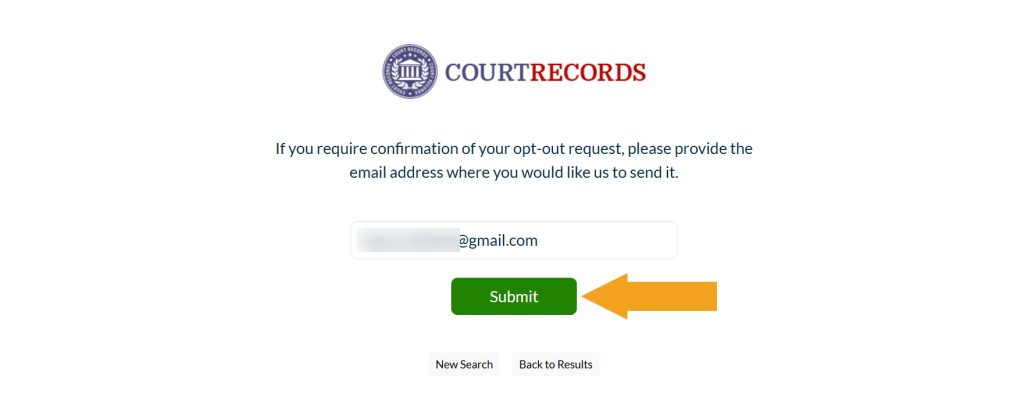
OhioCourtRecords.us sends a confirmation email once they complete the removal. However, we recommend searching for your record manually to ensure it’s indeed gone.
How to contact OhioCourtRecords.us
OhioCourtRecords.us’ support team is available via phone at 833-963-2494 (7 am – 12 am EST) and via an online contact form.




Dimitri is a tech entrepreneur and founder of Onerep, the first fully automated data removal service. Top cybersecurity CEO of 2021 by The Software Report.