 Published April 3, 2026
  read
read
Tennessee Court Records privacy request guide: opt out in minutes
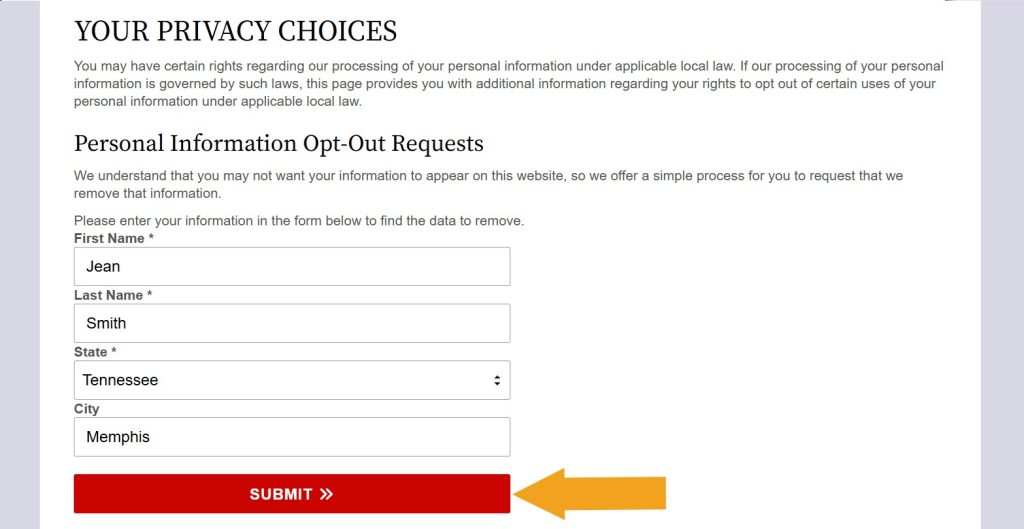
Step 1: Look yourself up on TennesseeCourtRecords.us’ Privacy Choices page.
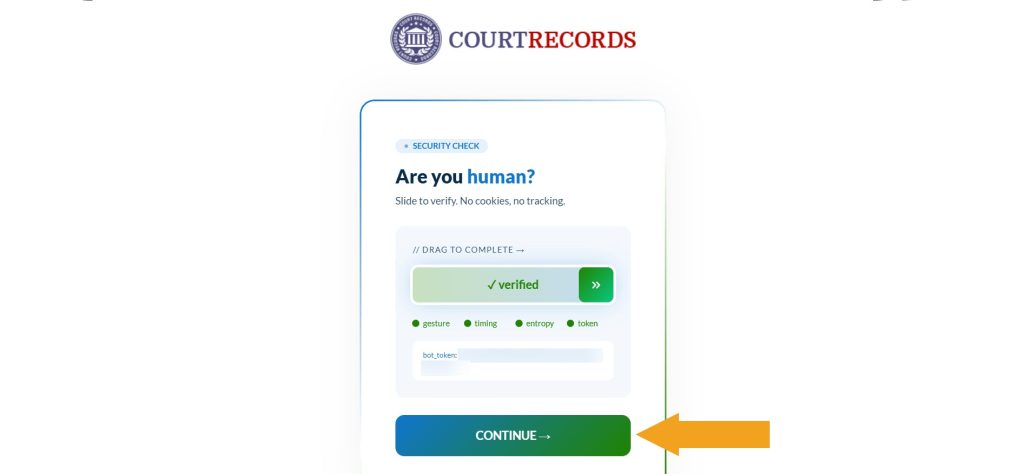
Step 2: If prompted, complete a security check: slide the green verification bar and click “Continue.”
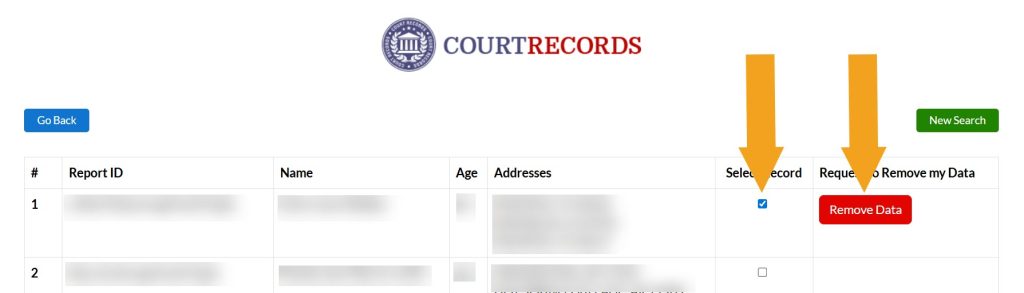
Step 3: Select the listing you want to remove, then click the appearing removal button. If you find several relevant listings, repeat the opt-out process for each one individually.
Step 4: Enter the email address you use for opt-outs and click “Submit.”
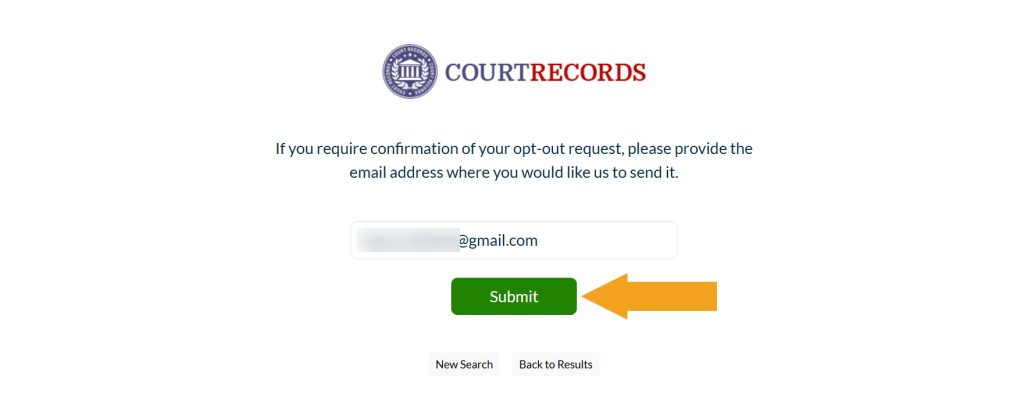
You have sent the opt-out request: TennesseeCourtRecords.us should display an on-screen confirmation. Another confirmation will arrive via email shortly.




Dimitri is a tech entrepreneur and founder of Onerep, the first fully automated data removal service. Top cybersecurity CEO of 2021 by The Software Report.