 Published December 19, 2025
  read
read
MyPropertyRecs.com aggregates publicly available records such as property details, criminal records, court records, deeds, and other U.S. public data, and allows access to them for a fee.
How to opt out of MyPropertyRecs.com
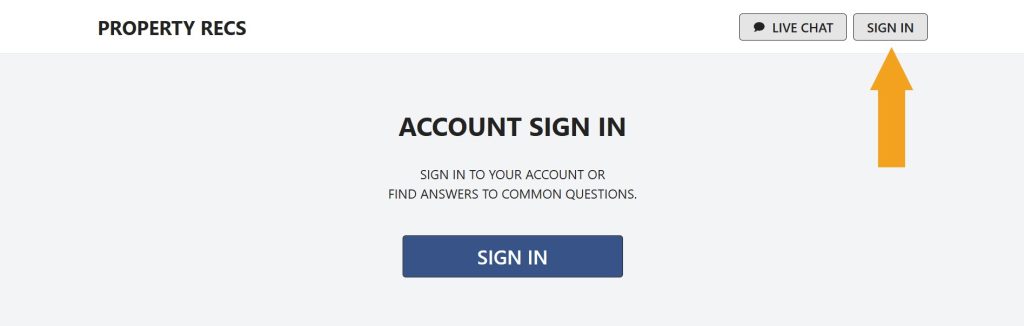
Step 1: Open MyPropertyRecs.com. Then, click the “Sign in” button.
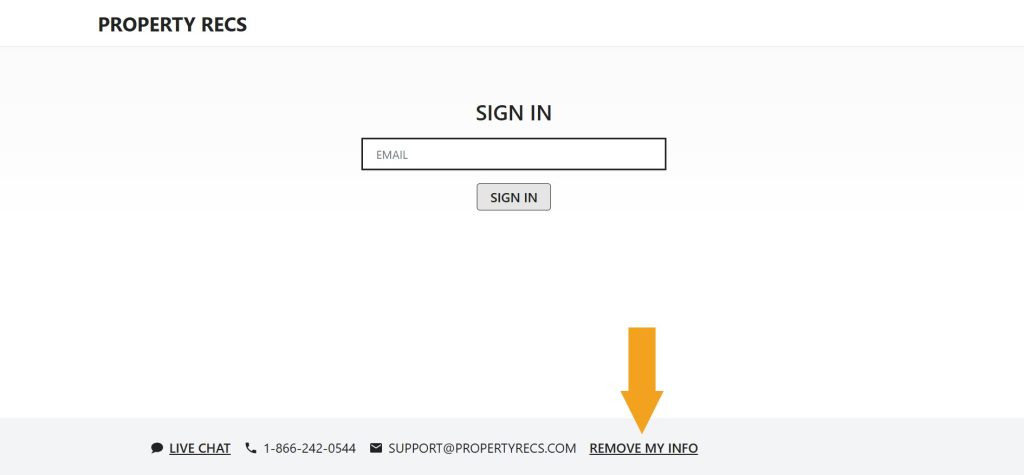
Step 2: Click the “Remove my info” link in the footer.
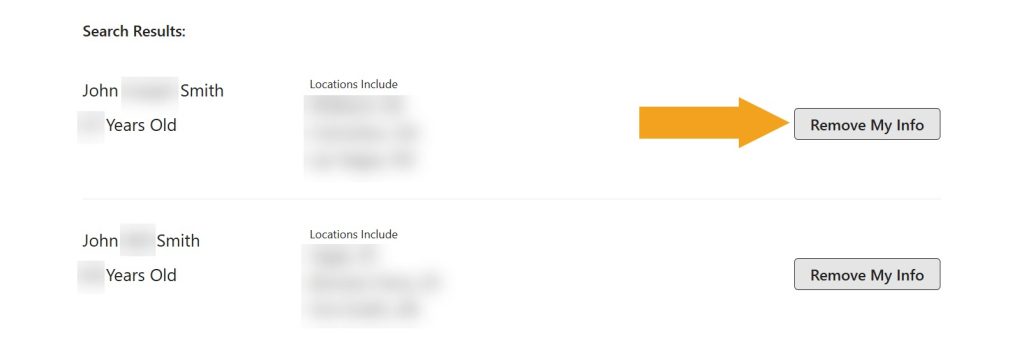
Step 3: Look for your record (use any of the search options available).
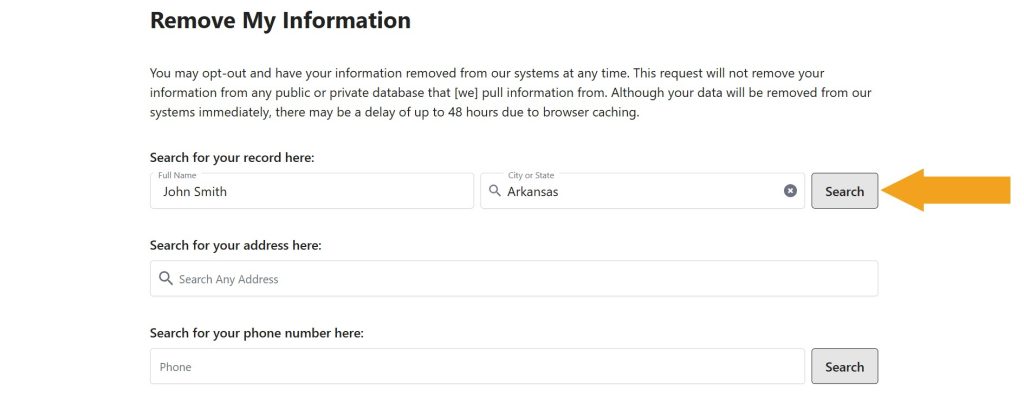
Step 4: Click the “Remove my info” button next to your record.
You’ve completed the removal process for MyPropertyRecs.com.
Your data is still exposed on other brokers
Although you have opted out of MyPropertyRecs.com, other people-search sites are still sharing your information. We recommend that you remove yourself from these 5 next:
- How to remove yourself from OfficialUSA.com
- How to remove yourself from ThatsThem.com
- How to remove yourself from PeopleFinders.com
- How to remove yourself from Radaris.com
- How to remove yourself from MyLife.com
Go through this list and send opt-out requests manually to each data broker, or subscribe to Onerep to remove records automatically from 317 sites with just a few clicks.



Dimitri is a tech entrepreneur and founder of Onerep, the first fully automated data removal service. Top cybersecurity CEO of 2021 by The Software Report.